GLM-5.2 + GPT Image 2: The Ultimate Prompt-to-Image Workflow (2026)
Pair Zhipu AI's GLM-5.2 with GPT Image 2: GLM-5.2 writes prompts, gpt-image-2 renders photorealistic images. 5 real-world examples and full workflow included.
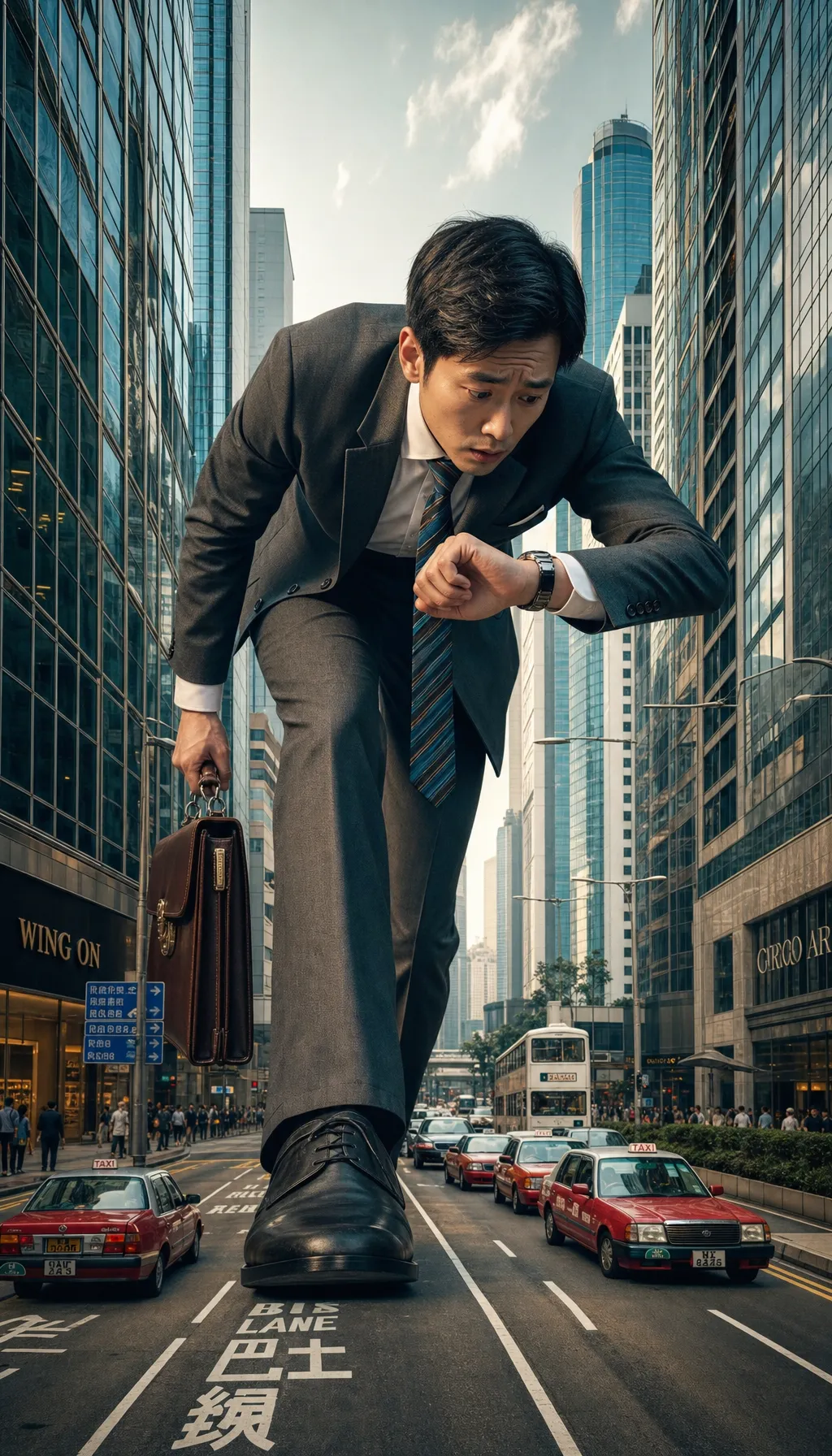
In June 2026, Zhipu AI released GLM-5.2 — a flagship large language model purpose-built for the "long-task era," with a genuinely usable 1M token context window, rock-solid engineering-spec compliance, and yet another leap in coding performance. The debate over whether Chinese LLMs can rival GPT has reignited.
But here's the awkward truth for creators: GLM-5.2 doesn't generate images. It's a pure language model — exceptional at understanding, planning, reasoning, and writing code, but incapable of turning words into pixels.
When you need e-commerce hero shots, professional headshots, social media posters, or anime avatars, you still need a dedicated image generation model. And as of 2026, the best one bar none is OpenAI's GPT Image 2 (gpt-image-2) — released in April, it dominates in photorealism, text rendering, and multi-subject composition.
This article answers one specific question: How do you combine GLM-5.2's prompt-writing prowess with GPT Image 2's image-generation muscle to build a reusable AI creation pipeline?
1. What Is GLM-5.2: The New Peak of Chinese LLMs
A quick rundown of GLM-5.2's capabilities (skim and move on):
| Dimension | Capability |
|---|---|
| Context | Genuinely usable 1 million tokens — fits entire project codebases |
| Long-horizon tasks | More stable multi-step execution, reliable spec compliance |
| Coding | Current open-source SOTA |
| Multimodal understanding | Companion GLM-5V-Turbo reads images, video, design mockups, documents |
| Text-to-image | ❌ Not supported — requires an external image model |
Key takeaway: GLM-5.2 is the "brain," not the "brush." What it excels at — planning, decomposing, describing — happens to be exactly what's needed for great prompt engineering.
2. Why GLM-5.2 + GPT Image 2 Are Natural Partners
Most people write GPT Image 2 prompts ad hoc: they start with the subject, bolt on a background, then sprinkle in a style. The result is hit-or-miss — a 50-word prompt often outperforms a 200-word one because the additions dilute each other.
GLM-5.2 fixes this. Its 1M context lets you feed it in one shot:
- 10 of your past favorite generated images as examples
- The style you want locked in (brand colors, composition, lens preferences)
- OpenAI Cookbook's prompt engineering guide
- The full brief of the project you're working on
It then outputs structured prompts that follow the [setting] → [subject] → [details] → [constraints] template. These hit the mark far more reliably than improvised human prompts.
In return, GPT Image 2 covers GLM-5.2's blind spots:
- GLM-5.2 can't draw → GPT Image 2 outputs 1024×1024 up to 4K finished images
- GLM-5.2 can't render text → GPT Image 2 is 2026's most precise text renderer
- GLM-5.2 can't keep multi-subject consistency → GPT Image 2 leads the industry here
3. The Standard Workflow: 3 Steps
This workflow has been battle-tested across dozens of projects. Follow it as-is.
Step 1: Generate a structured prompt with GLM-5.2
Drop this into GLM-5.2 (via Zhipu's Qingyan app, the open-platform API, or any client that supports GLM-5.2):
You are a GPT Image 2 prompt engineer. Based on the user's brief, output prompts following this template:

[Setting]: location, time, lighting, mood
[Subject]: core traits of the person/object
[Details]: clothing, expression, material, pose
[Constraints]: aspect ratio, style, what to avoid

Brief: 【paste your actual brief here, e.g. "e-commerce coffee hero shot, warm vibe"】

Requirements:
1. Output 1 main prompt + 2 variations (different moods)
2. Each prompt under 100 words
3. Use concrete visual descriptors ("warm window light from 45° left"), not vague adjectives ("cozy lighting")
4. Rendered text must be uppercase + quoted
GLM-5.2 will return three copy-paste-ready prompts for GPT Image 2 generation.
Step 2: Paste the prompt into GPT Image 2
Open GPT Image 2 online generator on this site:
- Paste the prompt from GLM-5.2
- Pick a size (1:1 for e-commerce, 9:16 for social, 16:9 for banners)
- Pick quality (low for exploration, high for final delivery)
- Click generate
GPT Image 2 returns the image in under 10 seconds — text, faces, and materials nailed on the first try.
Step 3: Evaluate and iterate with GLM-5V (optional)
If the first pass isn't perfect, feed the result back to GLM-5V-Turbo (Zhipu's multimodal understanding model) for analysis:
Analyze this image: [upload]
1. Does it match the original prompt's intent?
2. Which details need refinement?
3. Provide an improved GPT Image 2 prompt
GLM-5V points out issues ("subject too far left," "text too small") and returns a revised prompt. Take it back to GPT Image 2 for another round. That's your closed loop: prompt → generate → evaluate → iterate.
4. Five Real-World Examples
Five use cases across different industries, each with the GLM-5.2 prompt and the GPT Image 2 output strategy.
Example 1: E-commerce Coffee Hero Shot
Brief to GLM-5.2:
Premium Chinese coffee brand featuring Yunnan beans, warm healing atmosphere, brand logo visible
GLM-5.2 output:
Morning in a Yunnan highland coffee plantation, light mist,
a hand holding a freshly poured coffee, white ceramic cup printed with "YUNNAN 2026",
brown ceramic saucer, a few fresh coffee beans scattered nearby,
warm dawn light from upper right, 35mm lens shallow depth of field,
no text or logos except "YUNNAN 2026" on the cup
Settings: 1:1, high quality. Generate directly at GPT Image 2.
Example 2: LinkedIn Professional Headshot
One selfie + a GLM-5.2 prompt yields studio-grade headshots. Full workflow at AI Headshot Generator.
Brief to GLM-5.2:
30-year-old female product manager, tech industry, LinkedIn profile photo, warm confident expression
GLM-5.2 output:
Solid gray gradient studio backdrop,
a female product manager around 30, short hair, thin-frame glasses,
deep blue blazer over white silk blouse,
closed-mouth smile, warm confident gaze into camera,
soft Rembrandt light from 45° front-left, 85mm portrait lens,
no jewelry, no tattoos, no logos
Upload a selfie as reference — GPT Image 2 preserves identity consistency.
Example 3: Short-Video Cover (Vertical)
Brief to GLM-5.2:
Beauty creator short-video cover, fresh summer vibe, large headline required
GLM-5.2 output:
Soft mint-green to cream-yellow gradient background,
centered frosted toner bottle labeled "SUMMER GLOW",
silver metallic cap with reflections, water droplets on the bottle,
fresh mint leaves scattered around,
top 30% reserved for headline text "5 MIN SUMMER ROUTINE",
9:16 vertical composition, bright fresh atmosphere, advertising photography quality
Pick 9:16 — GPT Image 2 renders both "SUMMER GLOW" and "5 MIN SUMMER ROUTINE" crisp and legible.
Example 4: Anime-Style Avatar
GPT Image 2 also excels at non-photorealistic styles. For Studio Ghibli or Makoto Shinkai looks, explicitly reference the art style in the prompt.
Brief to GLM-5.2:
Ghibli-style avatar of a girl, summer, riding a bike
GLM-5.2 output:
Inspired by Studio Ghibli animation style,
a young woman with twin tails riding a bicycle down a country road,
golden rice fields on both sides, blue sky and cumulus clouds in the distance,
white short-sleeve shirt and blue suspenders skirt,
sunlight from upper right at an angle, dappled light and shadow,
cel animation aesthetic, soft color transitions,
2D hand-drawn style, no 3D render feel
Example 5: Infographic Poster
This example showcases one of GPT Image 2's strongest capabilities — precise text rendering. Earlier diffusion models simply couldn't do this.
Brief to GLM-5.2:
Data visualization poster comparing 2026 AI models
GLM-5.2 output:
Minimalist white-background infographic poster,
top headline "AI MODELS 2026" in uppercase sans-serif,
four vertical bar charts labeled "GLM-5.2", "GPT Image 2", "Claude 4.7", "Gemini 5",
gradient blue-purple bars with clear value labels,
small footer "Source: Internal Benchmark, June 2026",
generous whitespace, Swiss International Typographic Style,
16:9 horizontal composition
For text-heavy images like this, always use GPT Image 2's high quality setting — otherwise text will blur.
5. Comparison: Zhipu's CogView vs GPT Image 2
Zhipu does have its own image model — the CogView family (available via Zhipu's open platform). A common question: since both sides of this workflow live in the Chinese AI ecosystem, why switch to GPT Image 2?
Head-to-head (June 2026):
| Dimension | CogView 4 | GPT Image 2 |
|---|---|---|
| Photorealistic portraits | Good | Excellent |
| Text rendering | Mediocre (short words OK, long sentences error-prone) | Excellent (Latin, CJK, numerals all crisp) |
| Multi-subject composition | Mediocre | Excellent |
| Style versatility | Good | Excellent (photoreal / anime / illustration / 3D all strong) |
| Chinese API pricing | Lower | Mid-range |
| Context comprehension | Slightly better in Chinese contexts | Stronger overall |
Verdict: For high-volume Chinese marketing assets where cost matters and text precision isn't critical, CogView 4 is fine. But anything involving precise text, complex composition, or professional-grade photorealism still calls for GPT Image 2 in 2026.
6. Lock the Workflow In
To turn this workflow into daily productive capacity:
- Save your GLM-5.2 system prompt template: Store the template from section 3 as a reusable starting point for every new project
- Build a brand asset library: Give GLM-5.2 your brand colors, typography, and lens preferences once, so every prompt it writes respects them automatically
- Standardize on one image endpoint: Bookmark GPT Image 2 on this site — running every project through the same entry makes history and iteration tracking trivial
- Save winning prompts: Great prompts are assets. Reuse them for similar future briefs.
For a more structured setup — pre-baked GLM-5.2 system prompts paired with optimal GPT Image 2 parameters, organized by industry — check our Workflow Templates. It ships with a dozen ready-to-use presets for e-commerce, portraits, posters, and more.
Closing note: Chinese LLMs in 2026 can stand toe-to-toe with the best Western models — GLM-5.2 is more than enough on the language side. But the soul of a good toolchain is "right tool for the job": let the LLM do what it's best at (understanding and planning), and let the image model do what it's best at (visual rendering). Chain GLM-5.2 and GPT Image 2 together, and you can finish in 10 minutes what used to take a designer a full day.
Ready to try? Head to GPT Image 2 online generator and create your first image.
References:
- Zhipu AI Docs - GLM-5.2
- Zhipu AI Docs - New Releases
- OpenAI Official Announcement: Introducing GPT Image 2 (2026-04-21)
- OpenAI Cookbook: GPT Image 2 Prompt Engineering Guide