Commercial AI Image Generation Guide: How E-Commerce & Marketing Teams Put GPT Image 2 to Work After the DALL·E 3 Shutdown
DALL·E 3 retired May 2026. Commercial guide to GPT Image 2: e-commerce costs, batch marketing assets, copyright & platform compliance, DALL·E migration tips.
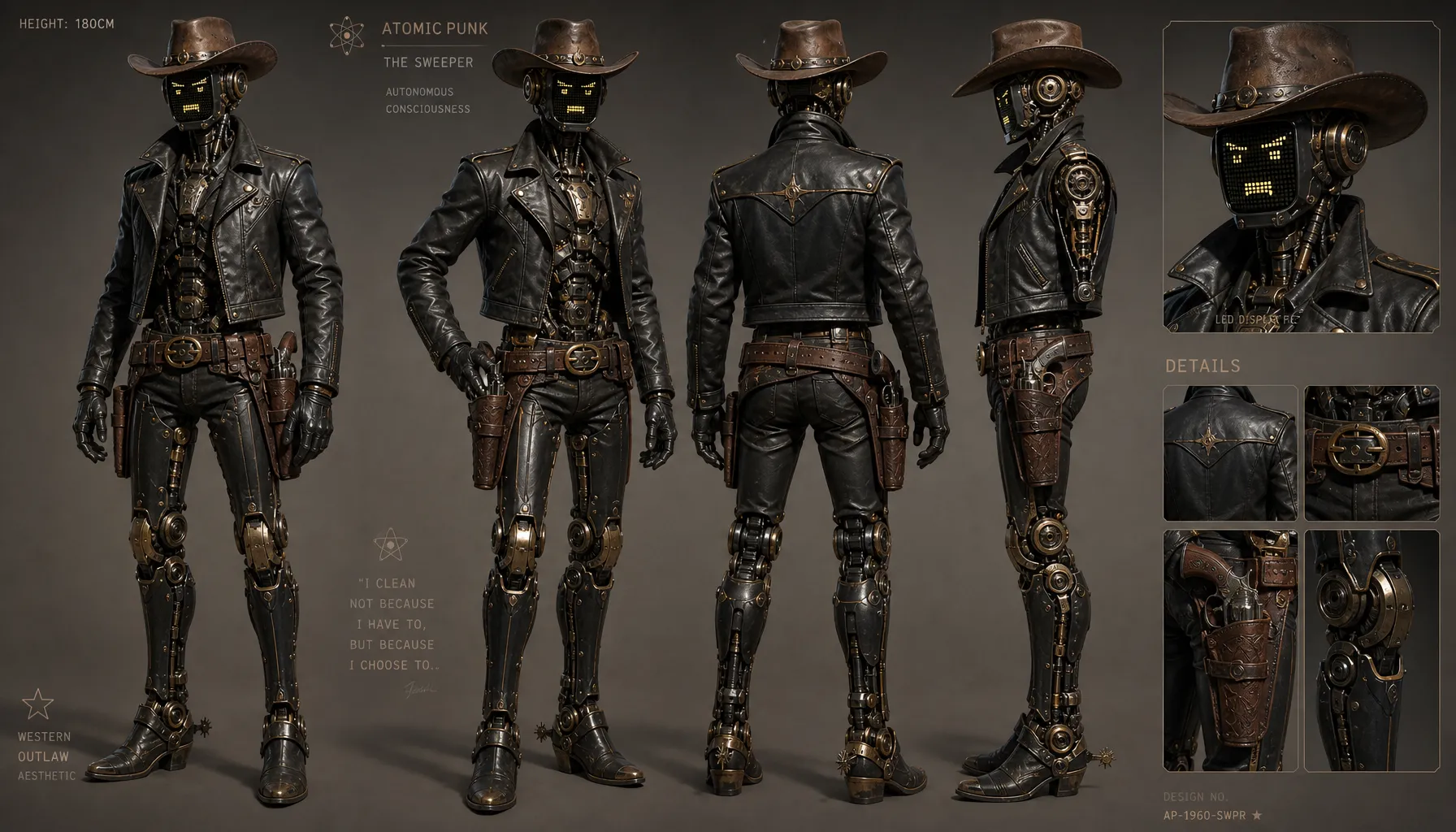
On May 12, 2026, OpenAI officially shut down the DALL·E 2 and DALL·E 3 APIs. The product that once brought text-to-image generation to the masses quietly retired, replaced by GPT Image 2 (gpt-image-2), released on April 21.
For casual users, this was just a model name change. For e-commerce operators, marketing teams, and content creators, 2026 marks the dividing line between AI image generation as a "toy" and as "production infrastructure" — over 140 major brands including Heinz, Coca-Cola, and JPMorgan now run AI assets through their daily marketing workflows.
The questions that follow are practical: Can you legally use AI images commercially? Who owns the copyright? Is AI product photography actually worth it? What changes when migrating from DALL·E 3? This article answers all of them, with data and sources.
1. The 2026 Landscape: A Market in Transition
The DALL·E retirement isn't an isolated event — it marks a full generational shift. The current mainstream options:
| Model | Positioning | In-image text | Commercial licensing highlights |
|---|---|---|---|
| GPT Image 2 | All-round flagship: realism + text rendering + multi-subject | Excellent (99%+ Chinese text accuracy) | Output licensed for commercial use |
| Midjourney v7 | Artistic mood, brand aesthetic | Mediocre | Paid subscription required; businesses grossing >$1M/year need Pro or above |
| Stable Diffusion 3 | Self-hosted, fine-tunable, fully controllable | Mediocre | Open license, self-deployed |
| CogView 4 | Chinese ecosystem, low cost | Mediocre | Commercial use under platform terms |
If you're not yet familiar with GPT Image 2's capabilities, start with our complete model guide — this article focuses on the commercial layer.
2. Use Cases & the Cost Math: How Much Does AI Product Photography Actually Save?
E-commerce product images: the most extreme ROI scenario
The hidden costs of traditional product photography are consistently underestimated:
- Photographer + studio + props + retouching typically runs $150–500 per SKU for a set of lifestyle shots
- Seasonal refreshes, packaging changes, and fast catalog turnover make assets obsolete within months
- Cross-border sellers face additional costs for overseas locations, models, and multilingual labels
Producing the same assets with GPT Image 2 (at official token pricing):
| Stage | Volume | Estimated cost |
|---|---|---|
| Composition exploration (low) | 10 × $0.006 | ~$0.06 |
| Candidate refinement (medium) | 5 × $0.053 | ~$0.27 |
| Final delivery (high) | 3 × $0.211 | ~$0.63 |
| Total per SKU | 18 outputs | ~$1 |
A 100-SKU store redoing its full set of lifestyle imagery faces a traditional budget of $15,000–50,000 versus a few hundred dollars in AI material costs — a gap of two orders of magnitude. Third-party benchmarks put GPT Image 2's product color accuracy at roughly 96%, and structured shots like white-background catalog images have reached "ready to list" quality (source: Rewarx Studio comparison).
Other high-ROI commercial scenarios
- Ad creative A/B testing — Media teams routinely need 20 variants of the same product. A designer produces 5 a day; AI produces 20 in 10 minutes, turning "how many variants can we test" from a budget question into an imagination question.
- Social media content matrices — One brand across 5 platforms × 3 posts per week, covered by a "brand style library + batch generation" pipeline.
- Team headshots — A remote team's "leadership" page, unified in style from a single selfie plus a studio-lighting prompt — batch-produce them with the AI headshot generator.
- Infographics & content marketing — GPT Image 2's precise text rendering makes "chart + headline + footnote" generation in a single pass possible — something 2023-era models simply could not do.
3. GPT Image 2 vs Midjourney: A Commercial Perspective
These two are unavoidable in 2026, but their strengths split cleanly:
| Dimension | GPT Image 2 | Midjourney v7 |
|---|---|---|
| Structured product shots (white bg, catalog) | Excellent — controlled composition & color | Mediocre — high variance |
| In-image marketing copy (headlines, CTAs) | Excellent — crisp English & Chinese | Mediocre — long copy degrades |
| Artistic mood, brand aesthetic | Good | Excellent — cinematic texture remains the benchmark |
| Detailed editing & iteration | Excellent — multi-turn conversational edits | Mediocre — prefers regeneration |
| Batch consistency (same-series assets) | Excellent — multi-reference + identity preservation | Good |
| Pricing | Token-based, $0.006–0.211/image | Subscription (from $10/mo) |
| Commercial license | Output licensed for commercial use | Paid plan required; companies >$1M/yr revenue need Pro/Mega |
Practical recommendation: e-commerce catalogs, copy-heavy ad creatives, and iterative briefs → GPT Image 2. Brand films and mood-driven content → Midjourney, or mix both. Many mature teams run "GPT Image 2 for structural drafts, Midjourney for atmospheric drafts."
On prompt writing itself — you can delegate that to an LLM. See our GLM-5.2 + GPT Image 2 workflow for details.
4. Copyright & Compliance: Three Things to Settle Before Shipping Commercially
This is where most teams stumble, and where the least honest guidance exists.
1. You can use AI images commercially — but you usually can't copyright them
The U.S. Copyright Office's current position: images that are purely AI-generated, without sufficient human creative contribution, cannot be registered for copyright. In practice:
- You can use AI images in product listings, ads, and social posts — no legal barrier there
- But you cannot stop others from using similar images; AI images carry no exclusive rights
- Practical rule: treat AI assets as "public-domain visuals." For core brand assets (logo, primary packaging visuals, mascots), keep meaningful human design involvement and document the process
2. Platform licensing terms diverge sharply
- OpenAI: images generated via ChatGPT/API are licensed to you for use, including commercially
- Midjourney: you "own" the assets by default, but commercial use requires a paid subscription; businesses grossing over $1M/year must be on Pro or Mega plans (source: Midjourney commercial terms)
- Don't evaluate models on output quality alone — licensing costs shift with company scale, a hidden cost many teams discover only after fundraising
3. Marketplaces are tightening AI disclosure rules
Amazon KDP, Etsy, and other platforms now require sellers to declare AI-generated content; some restrict AI-only assets in certain categories. Checking the latest policy before listing is far cheaper than a post-launch takedown.
5. Cost Engineering: Three Levers to Keep Batch Generation Under Control
With token-based billing, "casual generation" feels free at small scale — but in batch workflows, cost management directly determines ROI.
Lever 1: The "explore → deliver" two-tier quality strategy
Never explore compositions at high quality. The right cadence:
Round 1: quality: low, 10 images, find composition directions (≈ $0.06)
Round 2: quality: medium, lock in 3–5 directions (≈ $0.27)
Round 3: quality: high, final deliverables only (≈ $0.63/image)
Versus running everything at high quality, the same 18 outputs cost 70%+ less.
Lever 2: Lock style with reference images
Instead of re-describing your brand style in long text every time, fix a set of reference images. GPT Image 2's multi-image reference + identity preservation lets an entire series share palette, materials, and character features — and prompts can actually get shorter. Shorter prompts = fewer input tokens = lower cost.
Lever 3: Prompt asset management
Archive validated prompts by "scenario × product type" (e-commerce white background, lifestyle, holiday campaigns). Reuse beats rewriting — and reproducibility is what keeps a brand visually consistent.
6. Field-Tested Workflow: Full Asset SOP for a Single E-Commerce Product
Using a skincare brand's new product launch as the example — from zero to a full asset set in 30 minutes:
Step 1 — Establish the visual baseline (5 min)
Run the hero image direction at low quality on GPT Image 2:
Minimalist commercial product photography on a clean white background,
a frosted glass serum bottle labeled "HYDRA SERUM",
silver metal dropper cap, fine water droplets on the glass,
top light + softbox from the left, product fills 60% of frame,
advertising-grade finish, 1:1 composition
Step 2 — Expand the scene matrix (10 min)
Once the hero is locked, batch-generate scene variants by swapping only the "scene" segment:
| Asset type | Scene segment | Aspect ratio |
|---|---|---|
| Listing hero | Marble countertop + morning light + plant foreground | 3:4 |
| Usage context | Close-up of a woman holding the product, warm bathroom | 4:5 |
| Social poster | Gradient background + top space for "SUMMER GLOW" copy | 9:16 |
| Livestream overlay | Dark background + spotlight + bottom CTA | 16:9 |
Step 3 — Final renders at high quality (10 min)
Pick the winning compositions, switch to high quality, and check bottle text, droplet texture, and lighting consistency.
Step 4 — Archive
Save each scene's prompt + parameters into the brand prompt library. For the next product launch, swap the product description segment and reuse the whole pipeline.
For the full prompt-engineering methodology behind this SOP (including how to make an LLM write prompts in batch), see the GLM-5.2 + GPT Image 2 workflow.
7. Migrating from DALL·E 3: 4 Things to Watch
If your historical workflow was built on DALL·E 3 — especially via API — note the following:
1. The billing model changed: per-image → per-token
DALL·E 3 charged per image ($0.04–0.12); gpt-image-2 charges per token ($8 input / $2 cached / $30 output per million tokens). Recalculate your cost model: long prompts + high quality can exceed DALL·E 3 per image, but low/medium batch exploration is far cheaper. Use the two-tier strategy above.
2. Upgrade your prompt style
Short one-liners worked on DALL·E 3 because it auto-completed a default aesthetic. gpt-image-2 follows structured long prompts (background → subject → details → constraints) much more faithfully. Rewrite your historical prompts against the template — hit rates improve noticeably.
3. Parameter mapping
size expanded from DALL·E 3's three options (1024²/1792×1024/1024×1792) to nine aspect ratios + up to 2K resolution; quality maps from standard/hd to low/medium/high. Mind parameter validation when migrating scripts.
4. Output format changes
The gpt-image-2 API returns base64 image data directly — no more temporary URLs. You can delete the download logic in your batch pipeline, but adjust your storage layer's write path.
8. Closing Thoughts
AI image generation in 2026 has moved past "does it work." The competition is now cost engineering, copyright compliance, and process discipline. Three takeaways:
- E-commerce product imagery is the highest-ROI use case today, compressing per-SKU asset costs from hundreds of dollars to single digits
- Commercial use is legally fine — copyright protection is a separate question. Keep human creative involvement in core brand assets, and check disclosure policies on your sales channels
- The core of DALL·E 3 migration is recalculating the cost model and rewriting structured prompts — not just swapping a model name
This site runs the latest GPT Image 2 snapshot — head to the online generator to try the full workflow, with free credits on signup.
References:
- OpenAI: Introducing ChatGPT Images 2.0 (2026-04-21)
- Midjourney Docs: Using Images & Videos Commercially
- Rewarx Studio: GPT Image 2 vs Midjourney Product Photography
- terms.law: Midjourney Commercial Use Rights — Complete 2026 Guide
- OpenAI pricing: platform.openai.com/pricing