GPT-Image-2.5 Is Here: The Five Upgrades That Matter, Flare vs Sunburst, API Pricing & Migration Guide
GPT-Image-2.5 (Flare/Sunburst): precision editing, multi-turn consistency, transparent backgrounds, lower latency, API pricing, gpt-image-2 migration tips.
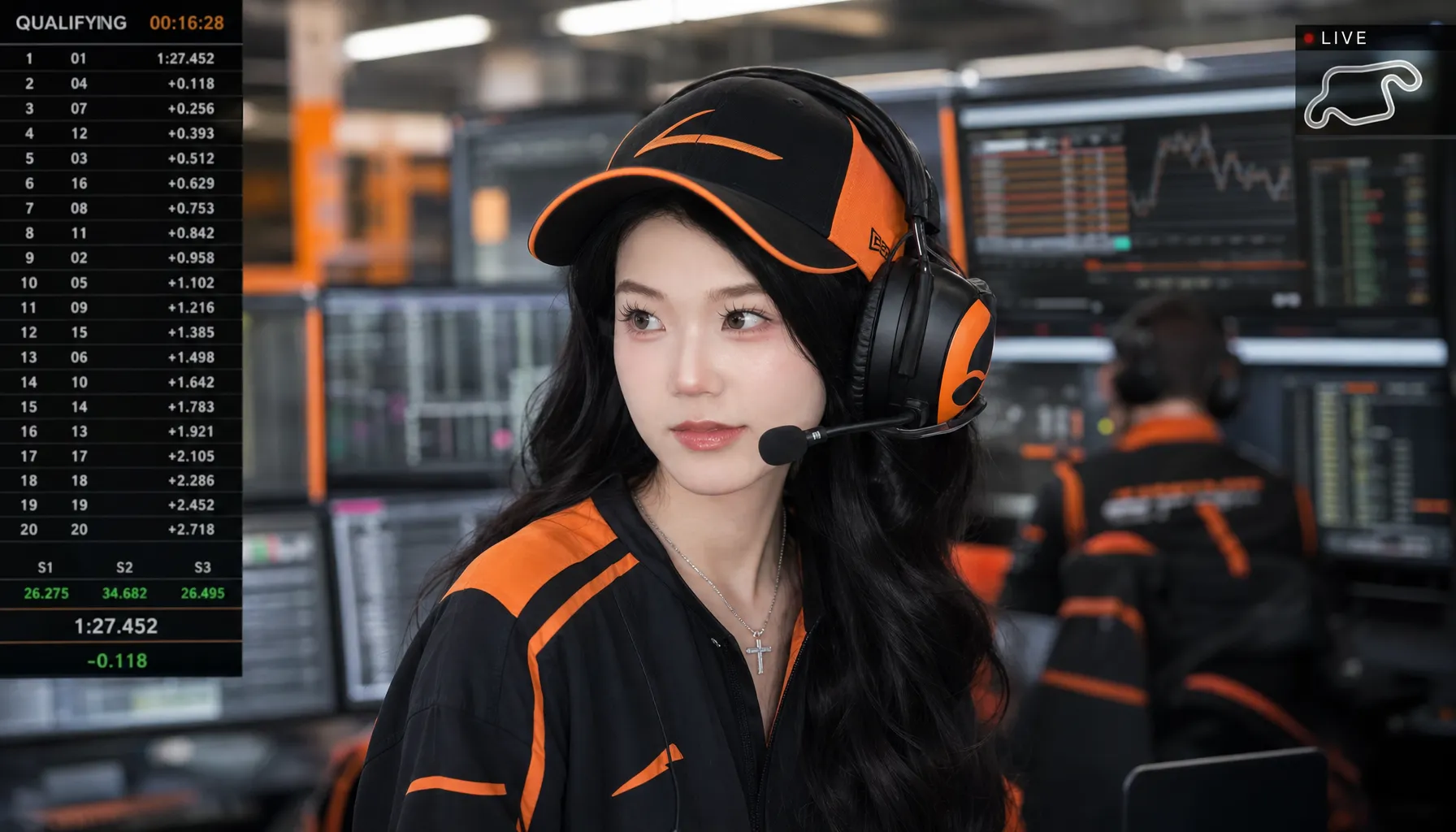
On September 3, 2026, OpenAI shipped two things on the same day: GPT-6 Astra, its new frontier language model, and a refresh of its "brush" — ChatGPT Images 2.5, backed in the API by the new GPT-Image-2.5 model family. GPT-6 got the headlines, but Images is what actually produces the pictures: over 3 billion images per week are generated across ChatGPT Images and the GPT-Image models in the API.
If you only take away one conclusion, make it this one:
The theme of GPT-Image-2.5 is not "paint it prettier" — it's "edit it reliably." Precision editing, multi-turn consistency, and reference fidelity all point in the same direction: turning AI image generation from one-shot gambling into a dependable production tool.
This article covers the launch facts, the technical upgrades, the two-model choice, API pricing, and migration advice in one place. Information current as of September 9, 2026 — see OpenAI's official announcement for updates.
1. Launch Facts at a Glance
| Item | Detail |
|---|---|
| Release date | September 3, 2026 |
| Product name (ChatGPT) | ChatGPT Images 2.5 |
| API models | gpt-image-2.5-flare (default) and gpt-image-2.5-sunburst (premium editing) |
| Latency | Up to 50% lower vs. Images 2.0 |
| Availability | All ChatGPT users (desktop / mobile / web); API open simultaneously |
| New ChatGPT features | Sketch input, Templates, comment-based editing, prompt sharing |
| Safety | Continued C2PA metadata + invisible watermarking, with a system card |
| Pre-launch trivia | Tested anonymously on LMArena as "luna-lisa-alpha" — the community clocked its suspiciously fast generation well before the reveal |
One detail worth noting: this generation is numbered 2.5, not 3 — a half-step upgrade. Pricing didn't go up (token rates match gpt-image-2, and per-tier costs actually dropped), while latency was cut in half. This reads as a production-readiness push, likely setting the stage for OpenAI DevDay 2026 on September 29.
2. The Five Upgrades, One by One
2.1 Precision editing: it changes only what you asked it to change
This is the headline upgrade, and it targets the old model's single biggest pain point.
Anyone who has used previous versions for image editing knows the drill: ask it to "replace the background with a beach" and it also redesigns the subject's outfit; ask it to "change the headline text to SALE" and the typography, layout, and surrounding composition all shift. Local editing was effectively a full re-render guided by the original — collateral change was the norm, not the exception.
Images 2.5 addresses this head-on: it edits only what you ask, keeping every other detail the same — even with complex subjects and backgrounds. For API developers, this means you can update a single element (a product, a background, a piece of copy) while preserving the subject, composition, and brand treatment around it.
In real workflows: swap the background on an e-commerce hero shot without re-rendering the model; change the promo copy on a poster without relaying out the design; recolor a series without touching each image individually. Rework cost drops from "regenerate everything" to "patch one element" — a qualitative change for production pipelines.
2.2 Multi-turn consistency: no more degradation drift
The second pain point: editing across many turns.
The old experience typically went: turn one is perfect, turn two is fine, by turn five the style has drifted, quality has softened, and details you locked in earlier have quietly changed. Wanting to "change just the collar color on turn 8 while keeping all seven previous edits intact" was mostly a matter of luck.
Images 2.5 improves exactly this: editing instructions are followed more reliably across multiple turns, earlier changes stay consistent, and image quality no longer degrades as edits accumulate. OpenAI explicitly calls out what this means for production: developers can make targeted changes without rebuilding the entire asset.
If you've run an "AI drafts → designer refines over many rounds" process, you know how much this matters — it turns multi-round editing from a repeated gamble into cumulative iteration.
2.3 Reference fidelity: subjects actually look like themselves
The statistical averaging baked into generative models has always hurt reference-led workflows: the generated version of "your product" or "your face" carried a layer of AI sheen, with identifying features smoothed away.
Images 2.5 doubles down on reference-guided generation:
- Subjects from reference photos are more recognizable (better identity preservation)
- More natural lighting, richer textures
- Distinctive features carry through to new settings, styles, and compositions
OpenAI also names the API-level implication: reference-led workflows are more reliable, so variations stay anchored to the original source. For professional headshots, brand-consistent assets, and IP-character derivatives — anywhere "the subject must not change" — this is a real capability gain. Our GLM-5.2 + GPT Image 2 workflow previously relied on "reference image + meticulous prompting" to lock identity; the model now handles this natively and more stably.
2.4 Intelligence and style: complex layouts and transparent backgrounds
This one is an "understanding" upgrade — easy to overlook, but very practical:
- Better adherence to complex visual instructions — long briefs no longer drift as they get more specific
- More accurate content in images containing real-world information (charts, text, scene knowledge)
- Support for more complex layouts, including transparent backgrounds
- Style reproduction closer to your artistic intent
Transparent backgrounds deserve their own callout: e-commerce white-background shots, stickers, logo work, deck assets — everything that used to require post-production masking can now be generated with an alpha channel. For e-commerce and content-design teams, that removes an entire post-processing step.
2.5 Latency down by up to 50%
Versus Images 2.0, generation latency drops by up to half (on the Flare model).
Latency was never just an experience problem — it's a product-design problem. The difference between 10 and 20 seconds decides whether users are willing to "try one more idea": visual search needs near-real-time response, batch generation needs throughput, creative exploration needs fast failure. With latency halved, a batch of previously "technically feasible, experientially unacceptable" product forms — real-time image editing, conversational design — becomes viable.
3. Flare vs Sunburst: OpenAI's First Fast/Slow Split for Image Models
The most interesting API change is that the model family now ships in two tiers:
| Dimension | gpt-image-2.5-flare | gpt-image-2.5-sunburst |
|---|---|---|
| Positioning | Default choice for most applications | Premium visual workflows |
| Quality | Higher than gpt-image-2 | Tighter editing control |
| Speed | 50% lower latency vs gpt-image-2 | Longer generation times |
| Best for | Creator & social content, product experiences, visual search, rapid prototyping, high-volume generation | Production-ready campaign creative, polished product imagery |
| Pricing | Same as Sunburst (see next section) | Same as Flare |
A direct decision rule:
- Default to Flare. OpenAI calls it "the default choice for most applications" — it's already higher quality than gpt-image-2 and twice as fast. There's no reason not to.
- Use Sunburst only when your core scenario is "many rounds of refinement on a single asset." Final-cut ad creative, high-end catalog imagery — work where an image gets edited ten times and none of those edits can go wrong. There, Sunburst's finer control is worth the longer wait.
- The hybrid strategy wins: run exploration and batch phases entirely on Flare, then switch to Sunburst for the final render once a direction is chosen. "Fast model scouts, slow model finishes" is the same playbook as the fast/slow dual-track strategy in video generation.
4. API Pricing, Deconstructed: What Does One Image Cost?
First, the official token rates (identical for Flare and Sunburst):
| Billable item | Price (per 1M tokens) |
|---|---|
| Text input | $5.00 |
| Text input (cached) | $1.25 |
| Image input (references / edit sources) | $8.00 |
| Image input (cached) | $2.00 |
| Image output | $30.00 |
Translated into intuitive costs (third-party estimates — always verify against your actual bill):
| Scenario | Cost per image (approx.) |
|---|---|
| Low quality tier, 1024×1024 | from $0.006 |
| 1K resolution, Flare, standard generation | ~$0.02 |
| Higher resolutions / quality tiers | $0.025 – $0.035+ |
Three things cost-sensitive teams should note:
- Quality tiers expanded from three to five (low / medium / high / xhigh / max, per third-party API docs), and each tier is priced below its gpt-image-2 equivalent. Same token rates, cheaper tiers, half the latency — on "quality per dollar," this generation is clearly more for less.
- Image-input caching is a gift to reference-led workflows. Scenarios that reuse the same source image — reference-guided generation, multi-turn editing — see image input costs drop to a quarter on cache hits. The more your pipeline anchors to one original image and iterates, the more you save. Not coincidentally, that's exactly the workflow Images 2.5 is built to promote; the pricing and the product direction are clearly designed together.
- There is no free tier — image endpoints are usage-billed, full stop.
Prices are point-in-time as of launch; check the official OpenAI pricing page before committing.
5. On the ChatGPT Side: Four Features Worth Trying
Beyond the API, the ChatGPT product got a meaningful update:
- Sketch: type
@Sketchin ChatGPT and draw directly — a room layout, a garment silhouette, or just a doodle — then describe the style, and the model turns your rough sketch into a finished image. "I can't draw" is no longer a barrier to expressing composition; you only need to convey roughly where things go. - Templates: built-in starting points for high-frequency formats like posters and merch. No blank canvas — fill in the info, pick a style, done.
- Comment-based editing: place comments directly on the image to direct edits. Far more precise than describing locations in prose. (Fully rolled out.)
- Prompt sharing: share an image together with the prompt that produced it, so others can run the same idea with their own photos and details. Expect "prompt assets" to circulate much faster in communities.
A note on provenance: Images 2.5 continues C2PA metadata plus invisible watermarking. As AI content-labeling regulation tightens across major markets, AIGC marking is shifting from optional to compliance-required — especially relevant for commercial teams. See our AI image commercial-use guide for more.
6. Should You Migrate from gpt-image-2? Three Audiences
First, the full comparison:
| Dimension | gpt-image-2 | gpt-image-2.5 Flare | gpt-image-2.5 Sunburst |
|---|---|---|---|
| Generation quality | Excellent (H1 2026 benchmark) | Better than gpt-image-2 | Same tier as Flare, finer control |
| Latency | Baseline | 50% lower | Slower than Flare |
| Local edits | Collateral changes common | Significantly improved | Best |
| Multi-turn editing | Degrades over turns | Stable, no degradation | Stable, no degradation |
| Transparent background | Not supported | Supported | Supported |
| Token rates | Baseline | Parity | Parity |
| Per-tier pricing | Baseline | Lower | Lower |
For API developers: new projects should go straight to Flare — no debate. Higher quality, faster, cheaper per tier. Existing projects will find prompts fully compatible; just note the quality tiers went from three to five, so do a parameter mapping and roll out behind a flag.
For content / e-commerce teams: this upgrade was practically designed for you. Multi-turn consistency + single-element updates + transparent backgrounds remove both the "regenerate everything for one change" cost and the manual-masking step. The migration ROI is clear.
For everyday users: it's already live for everyone in ChatGPT. Go try @Sketch and comment-based editing — the difference is immediately obvious.
Finally, about this site: our current online image generation workflow based on gpt-image-2 is unaffected. The prompts you've accumulated and the prompt-engineering methods carry over completely — prompts are cross-model assets. We'll integrate gpt-image-2.5 as soon as upstream access opens; as a rule of thumb, keep the old model as a fallback during the first week of any new-model rollout, run both tracks in parallel, then shift primary traffic.
7. Closing Thoughts
GPT-Image-2.5 is a half-generation upgrade, but the signal matters more than the version number: image-generation competition has moved from "who paints prettier" to "who edits reliably." Precision editing, multi-turn consistency, reference fidelity — unsexy capabilities that are precisely the last mile between AI image generation as a toy and as a production tool. Combined with lower latency and cheaper tiers, OpenAI is clearly positioning GPT-Image as infrastructure.
Expect more at DevDay 2026 on September 29. We're watching.
Want to feel the difference firsthand? Start by running your workflow on GPT Image 2 online generation — your prompt assets start compounding today.
References:
- OpenAI: Introducing ChatGPT Images 2.5 (2026-09-03)
- OpenAI API docs: gpt-image-2.5-flare
- OpenAI API pricing
- Community coverage of the luma-lisa-alpha LMArena testing (September 2026)